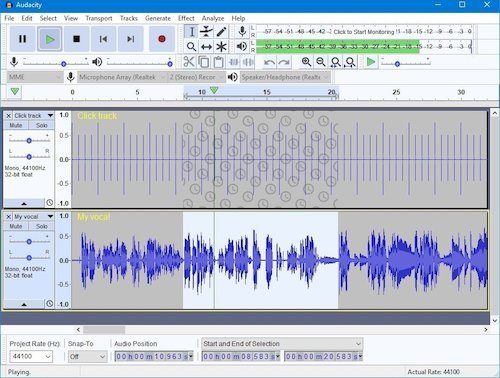
Audacity 2.3.1 replaces all previous
versions for Windows, macOS and Linux. Support for
Linux which was missing in 2.3.0 has been restored.
Also Audacity for macOS is now a more modern 64-bit
build.
Over 20 bugs fixed, and a few small
improvements/changes to features (since 2.3.0).
That message from Apple saying:
"32-bit support will be going the way of the dodo",
no longer shows when you install Audacity on Mac.
The new 64-bit Audacity works with 64-bit libraries.
To use FFmpeg or MP3 libraries with 64-bit Audacity,
you will need to download the updated 64-bit
versions.
On Windows, you may find that
recording is disabled until you change Windows
permissions for the microphone! That's a security
feature introduced by Windows. This affects all
versions of Audacity, and affects many other audio
programs.
New:
- Options and preferences:
- Microfades are now an opt-in feature. They were
always on in 2.3.0.
- The advanced vertical zooming option is now
available in the View->Zoom menu.
- Regular interval labels now support range labels.
See: 2.3.1 New Features for longer
descriptions and links on how to use the new
features.
Bug Fixes:
Over 20 bugs that were in 2.3.0
fixed, including:
- A crashing bug on Linux that made
Audacity 2.3.0. unsuitable for Linux.
- Crash on Mac when right clicking on label.
- Problems with Change Pitch, including not
remembering parameter values.
Visit:
audacityteam.org