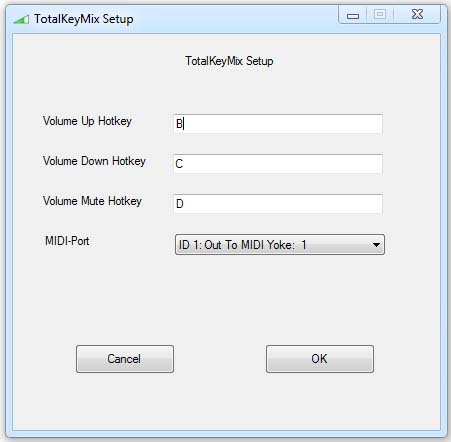
You might have noticed that the volume control of
the windows mixer has no impact on the TotalMix
interface. But the fact, that TotalMix can be
controlled over MIDI made me think of a way how to
control it anyway. Some of you maybe know the
powerful scripting application AutoHotkey. You can
do pretty nifty things with it and that’s exactly
what I used for my approach. AutoHotkey is able to
access the MIDI API of Windows and send MIDI
controller data via hotkeys. The only thing you need
to get it working is a virtual MIDI device which
AutoHotkey can use to transfer the MIDI data. You
can use the free MIDI Yoke for that purpose (it even
works on Windows 7 x64).
TotalKeyMix has the following
features:
- GUI
– volume and mute functionality
– free assignable hotkeys
– settings stored in a config file
TotalKeyMix is available to download as a freeware
application for Windows PC.
Visit:
Stephan
Römer